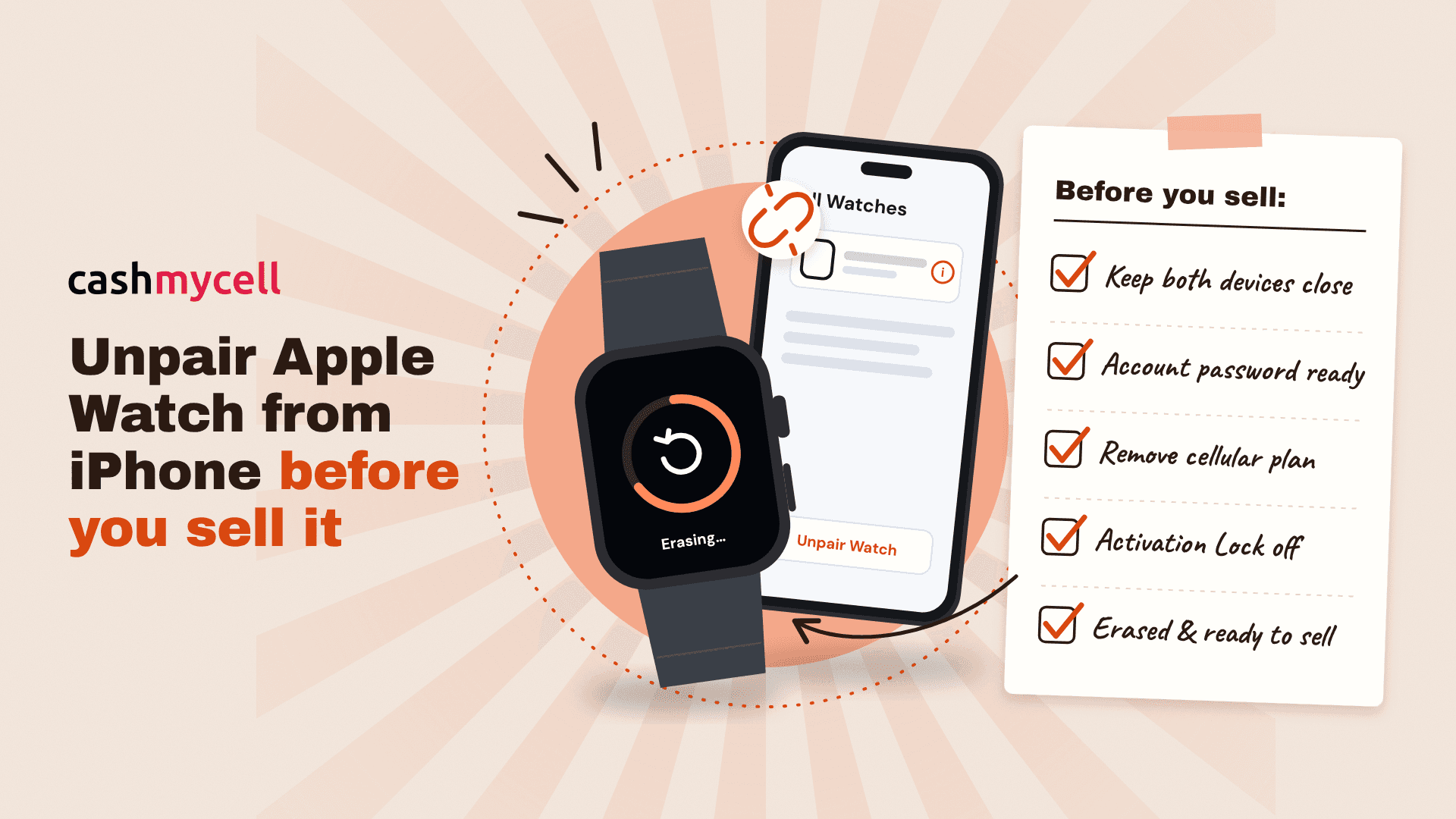
Before you sell, trade in, or give away an Apple Watch, unpair it from the iPhone it is connected to. This removes your personal data, disconnects it from your Apple Account, and turns off Activation Lock so the next owner can set it up. The safest method is to unpair Apple Watch from iPhone using the Apple Watch app, not just erase the watch from its own settings. (support.apple.com)
What should you do before you unpair Apple Watch?
Before you start, keep your Apple Watch and iPhone close together, make sure both have enough battery, and know your Apple Account password. You may need that password to turn off Activation Lock during the unpairing process. If you have a cellular Apple Watch, decide whether you need to remove the cellular plan and contact your carrier if you are cancelling service, because Apple notes that carrier fees may apply. (support.apple.com)
Use this quick prep checklist:
- Place both devices nearby. The iPhone and Apple Watch should stay close until unpairing finishes.
- Connect to Wi-Fi if possible. A stable connection helps the process complete smoothly.
- Have your Apple Account password ready. It may be required to remove Activation Lock.
- Check for a cellular plan. If the watch has cellular and you are selling it, remove the plan during unpairing and contact your carrier to cancel the subscription if needed.
- Wait until the process is done. Do not hand over the watch while it still shows your apps, passcode screen, or Home Screen.
Follow these steps to unpair Apple Watch from iPhone
To unpair apple watch from iphone correctly, use the Apple Watch app on the paired iPhone. This method is recommended when selling because it erases the watch and removes Activation Lock, making the device ready for another person to activate. Apple also says the iPhone tries to create a backup during unpairing, which can help if you are moving to a new Apple Watch later. (support.apple.com)
- Keep the Apple Watch and iPhone close together. Set them on the same table and leave them there. If the devices disconnect in the middle of the process, unpairing may take longer or require troubleshooting.
- Open the Apple Watch app on your iPhone. Use the iPhone that is currently paired with the watch. If you have multiple iPhones or watches, confirm you are using the correct pairing before continuing.
- Tap the My Watch tab. This opens the main management area for your paired watch. From here, you can view watch settings, connected devices, and cellular details.
- Tap All Watches. This shows every Apple Watch associated with the iPhone. If more than one watch appears, look carefully at the name and choose the one you plan to sell.
- Tap the information button next to the watch. The information button opens device-specific options. This is where you start the unpairing command rather than resetting random settings.
- Tap Unpair Apple Watch. Confirm the choice when prompted. If you have a cellular model, choose to remove the cellular plan if you are selling, giving away, or trading in the watch. (support.apple.com)
- Enter your Apple Account password if asked. This step turns off Activation Lock. Do not skip it: if Activation Lock remains on, the buyer may be asked for your Apple Account password during setup and will not be able to use the watch normally. (support.apple.com)
- Wait for the Apple Watch to erase and reset. When the process completes, the watch should no longer show your apps, cards, messages, or account details. It should be ready for setup by a new owner.
Do not only erase the watch if you are selling it
Erasing the Apple Watch from the watch itself can remove content and settings, but that is not always the same as properly preparing it for sale. Apple’s user guide distinguishes between unpairing from the iPhone and erasing the watch directly: unpairing from the iPhone erases the watch and removes Activation Lock, while erasing the watch can leave it paired with your iPhone. (support.apple.com)
That difference matters. A watch that still belongs to your Apple Account may look wiped, but the next owner can still run into activation problems. If your goal is to unpair Apple Watch before selling it, use the iPhone method whenever you still have both devices.
Confirm the Apple Watch is ready to sell
After unpairing, take a minute to check the result before you ship, meet a buyer, or send the watch for trade-in. A properly prepared Apple Watch should no longer be linked to your Apple Account and should not ask for your password when someone else tries to set it up. Apple advises buyers of third-party watches to make sure Activation Lock has been removed; if setup asks for the previous owner’s Apple Account password, Activation Lock is still on. (support.apple.com)
Use this seller’s final check:
- The watch no longer appears as actively paired in the Apple Watch app.
- The watch has been erased and is not showing your Home Screen.
- Your Apple Pay cards, apps, messages, photos, and account details are removed from the device.
- A cellular plan has been removed if the watch has cellular.
- You have contacted your carrier if you need to cancel the watch’s cellular subscription.
- The watch is clean, charged enough to power on, and ready for the buyer to inspect.
What if you already gave away the Apple Watch?
If you no longer have the watch, you may still be able to erase it and turn off Activation Lock from iCloud.com. Apple’s process is to sign in to Find My iPhone on iCloud.com, select the Apple Watch, erase it, and then remove it from the device list after the erase completes. This is the fallback option when you cannot use the paired iPhone and watch together. (support.apple.com)
If the buyer contacts you because the watch is asking for your Apple Account password, do not share your password. Instead, remove the device from your account using Apple’s remote process. That protects your account while still allowing the new owner to complete setup.
Fix common unpairing issues
If the unpairing option is not working, first bring the devices closer, connect the iPhone to the internet, and restart both devices. Then open the Apple Watch app again and repeat the unpair apple watch steps. Small connection problems can interrupt the process, especially if the watch battery is low or the devices are separated.
If you forgot the Apple Watch passcode, you may need to reset the watch before continuing. If you forgot your Apple Account password, reset it through Apple before trying to remove Activation Lock. Do not sell the watch until Activation Lock is off, because the next owner needs a clean setup experience.
Pack it only after your account is removed
Once the Apple Watch is unpaired, erased, and no longer connected to your Apple Account, it is ready to sell. Remove the band if you are selling it separately, wipe the watch gently, gather the charger and accessories included in the sale, and describe the condition accurately. The important part is already done: you used the proper method for how to unpair Apple Watch from iPhone, protecting your data and giving the next owner a watch they can actually activate.